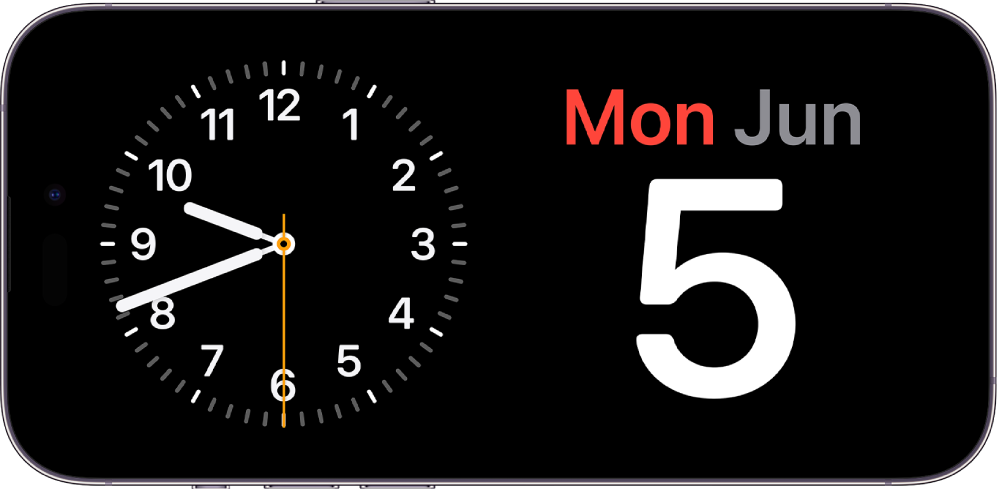
StandBy. Turn your iPhone on its side while charging to glance at important information from a distance. You can turn your iPhone into a bedside clock, view photos, control music, and more. See Use StandBy to view information at a distance while iPhone is charging.
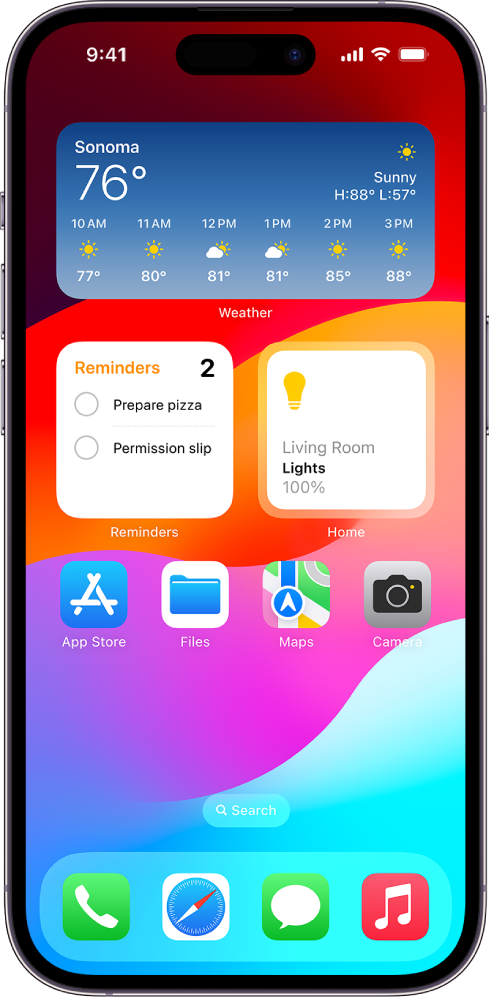
Interactive widgets. Widgets on your Home Screen, Lock Screen, and StandBy are even more useful with interactivity. Just tap a widget to complete tasks like checking off a to-do item, controlling your living room lights, or playing a new podcast episode. See Add, edit, and remove widgets on iPhone.
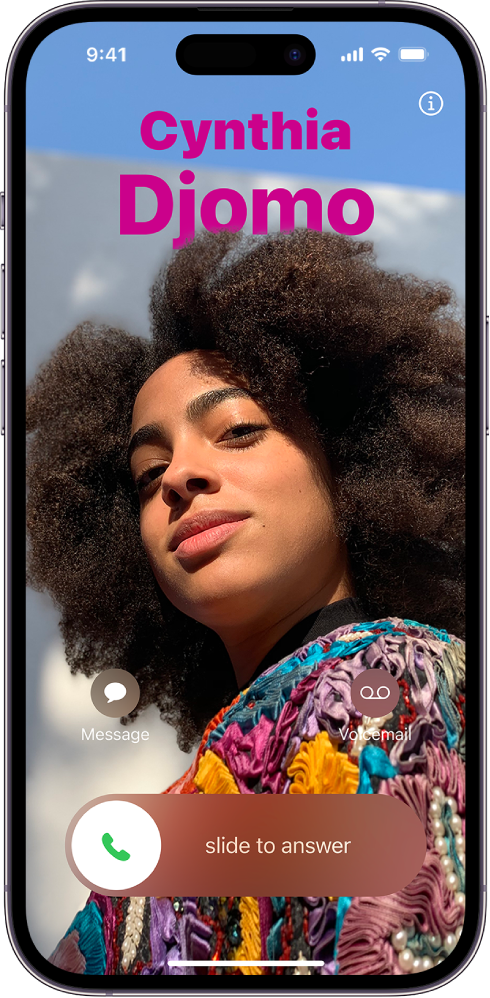
Contact Posters. Create a unique screen that other people see when you call them. When you make a phone call, your Contact Poster appears on the screen of the person you’re calling. See Add or edit your photo and poster.
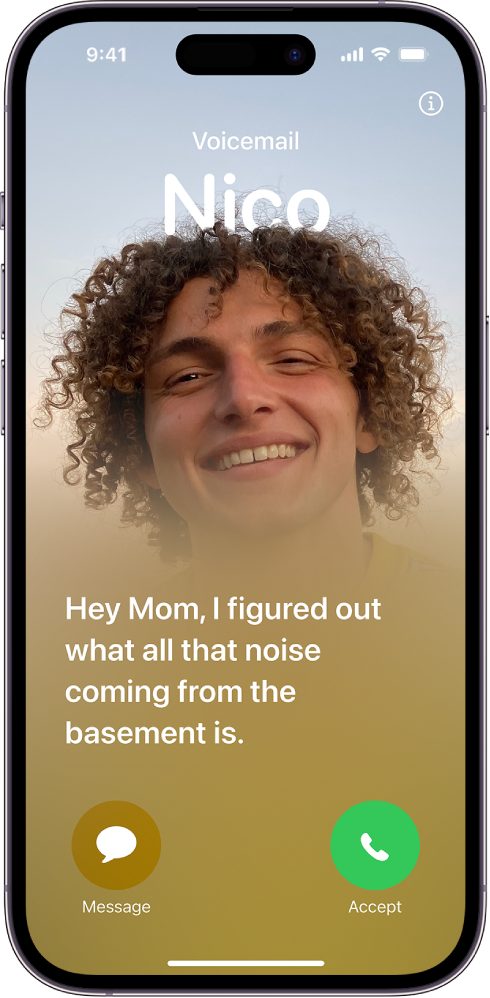
Live Voicemail. When a call you receive goes to voicemail, see a live transcript of the message as it’s being recorded, giving you immediate context for the call. If it’s something you want to address right then, you can pick up the call (U.S. and Canada only). See Turn on Live Voicemail.